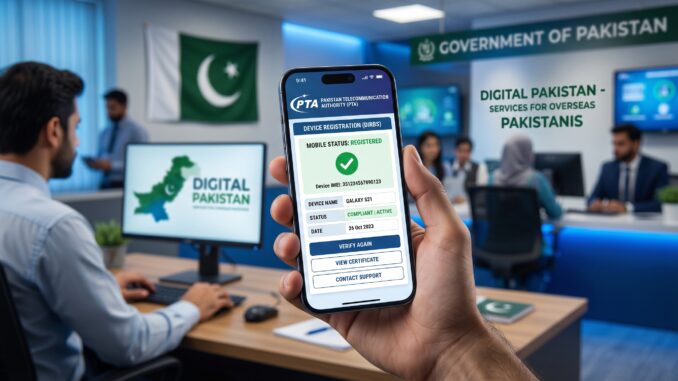
If you’ve recently arrived in Pakistan from abroad and brought your smartphone with you, there’s one important step you should not ignore: registering your device with the Pakistan Telecommunication Authority (PTA).
Many overseas Pakistanis face a common issue. Their phone works perfectly fine for a few days or weeks, and then suddenly it stops receiving signals. Calls fail, mobile data stops working, and the device becomes unusable for SIM-based services. This situation is frustrating, especially if you rely on your phone for communication.
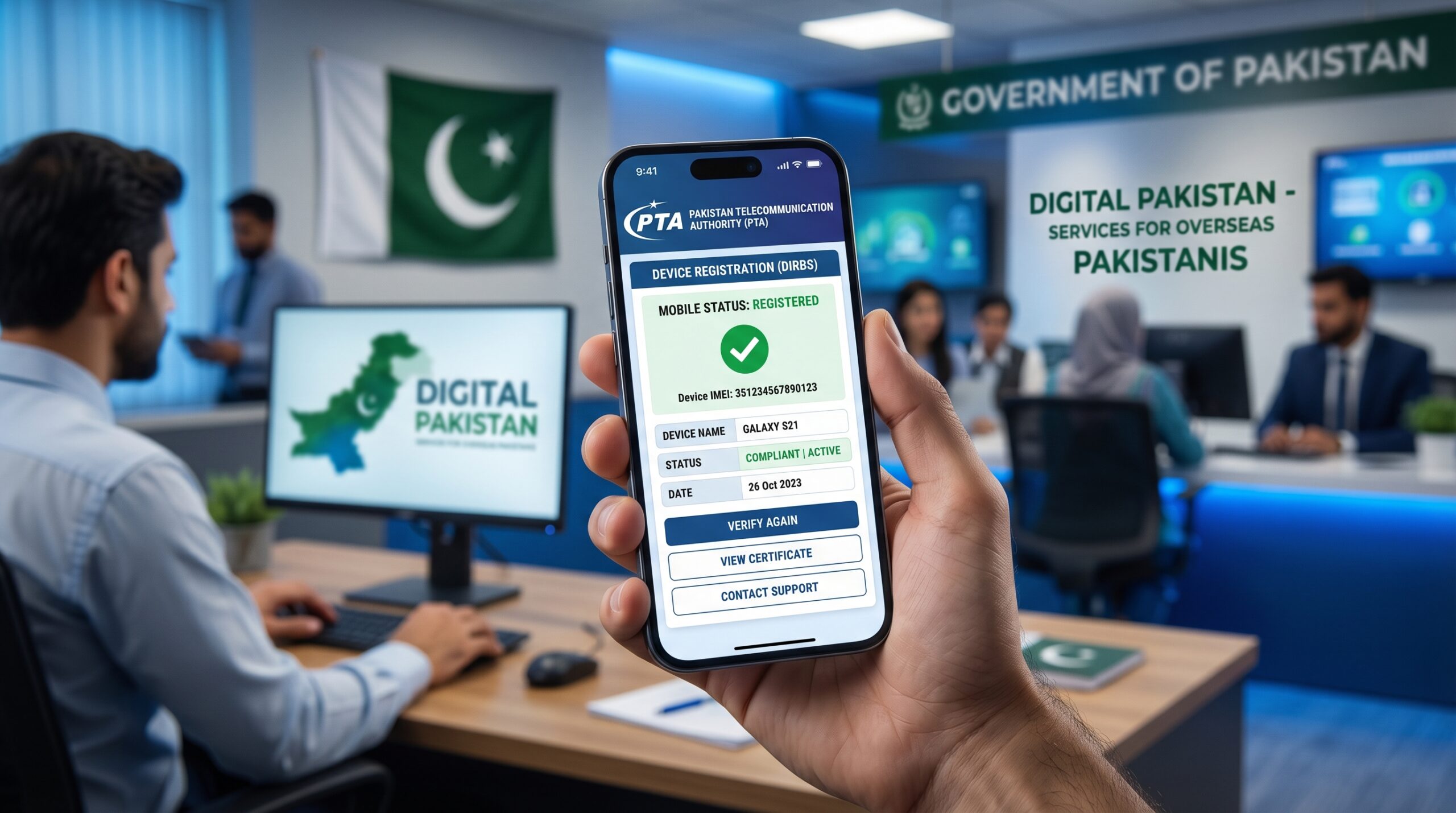
The reason behind this is simple. The device has not been registered in Pakistan’s system. PTA requires all mobile phones to be registered before they can work permanently on local networks.
The good thing is that overseas Pakistanis and visitors can register their phones using a passport instead of a CNIC. This makes the process easier and more accessible. This guide explains everything you need to know in a clear and practical way so you can complete the process without confusion.
Understanding PTA Device Registration System (DIRBS) in Pakistan
PTA manages mobile device registration through a system called DIRBS, which stands for Device Identification, Registration and Blocking System.
This system keeps track of all mobile devices operating in Pakistan. Its purpose is to ensure that only legally imported and approved devices can function on local telecom networks.
When a new device connects to a Pakistani SIM network, its IMEI number is checked in the system. If the device is not registered, it is allowed to work temporarily. After a certain period, the system blocks its network access.
It is important to understand that even if your phone is blocked, it will still work on WiFi. However, you will not be able to make calls, send messages, or use mobile data.
Eligibility Criteria for Passport-Based Mobile Registration in Pakistan
PTA provides a special option for people who do not have a Pakistani CNIC. This is known as passport-based registration.
You can use this method if you are an overseas Pakistani, a dual nationality holder, or a foreign visitor traveling to Pakistan.
This option is particularly useful if you have recently entered Pakistan, purchased a phone from another country, or want to use a local SIM during your stay.
Temporary vs Permanent PTA Registration: Which Option is Right for You?
Before starting the registration process, it is important to understand the two types of registration available. Temporary registration is designed for short-term visitors. It allows you to use your phone for a limited time, usually up to 120 days. In many cases, this option does not require immediate tax payment.
Permanent registration is required if you plan to stay in Pakistan for a longer period. This involves paying PTA tax, after which your device is approved for permanent use.
If your visit is short, temporary registration is often sufficient. However, if you plan to stay longer, permanent registration is the better choice.
Complete Step-by-Step Process to Register Mobile with PTA Using Passport
The registration process is straightforward if you follow each step carefully.
Accessing the Official PTA DIRBS Portal
Start by visiting the official PTA DIRBS website. This is the only platform you should use for registering your mobile device.
Avoid using third-party services or agents, as they may charge unnecessary fees or provide incorrect guidance.
How to Sign Up or Log In to the DIRBS System
To begin the process, you need to create an account.
Enter your email address, create a password, and verify your account through email confirmation. If you already have an account, you can simply log in.
Selecting the Correct Registration Category (Passport Option)
Once you are logged in, select the option to register a mobile device. Then choose the category for individual users and select the passport-based option.
This ensures that your application is processed under the correct category.
Providing Accurate Passport and Travel Information
You will now be required to enter your personal details.
This includes your passport number, full name, and date of arrival in Pakistan. In some cases, you may also need to upload a copy of your passport or entry stamp. Make sure all the information matches your official documents exactly. Even small mistakes can cause delays or rejection.
How to Find and Enter IMEI Number Correctly
Your mobile phone has a unique identification number known as IMEI.
You can find it by dialing *#06# on your phone. The number will appear on your screen.
If your phone supports dual SIM, you will see two IMEI numbers. Both must be entered correctly during registration. This is a critical step, and errors here can lead to problems later.
Reviewing and Submitting Your PTA Registration Request
Before submitting your application, carefully review all the details you have entered. Check your passport information and IMEI numbers again to ensure everything is correct.
Once you submit the application, the system will generate a Payment Slip ID (PSID). This is used if tax payment is required.
How to Pay PTA Mobile Tax Using PSID
If your device requires permanent registration, you will need to pay PTA tax.
You can make the payment through mobile banking apps, ATM machines, or bank branches. Simply use the PSID provided by the system.
After payment, your application will automatically move to the next stage.
PTA Approval Process and Activation Timeline Explained
After completing your application, PTA will review your request. The approval process usually takes between one to three working days.
Once your device is approved, it will start working normally on all Pakistani networks. You will be able to use calls, SMS, and mobile data without any issues.
Important Tips to Avoid Rejection or Delays in PTA Registration
To make the process smooth and hassle-free, keep the following tips in mind.
Always try to register your phone as soon as possible after arriving in Pakistan. Double-check your IMEI numbers before submitting the application. Ensure that your passport details are accurate and match your official documents.
It is also recommended to keep a record of your application, such as screenshots or confirmation emails. Most importantly, use only the official PTA DIRBS portal to avoid scams.\
For a complete walkthrough, check this guide on how to register a mobile phone with PTA using passport:
Usage Time Limit for Unregistered Mobile Phones in Pakistan
When you first insert a Pakistani SIM into an unregistered device, it will work for a limited time.
After this period, the system will block the device from accessing mobile networks. This means you will no longer be able to make calls, send messages, or use mobile data.
To avoid this situation, it is best to complete the registration process as early as possible.
PTA Rules for Dual SIM Devices (IMEI Registration Guide)
If your phone has dual SIM capability, both IMEI numbers must be registered.
If only one IMEI is registered, you may face partial functionality. One SIM may work while the other stops functioning.
To avoid such issues, make sure both IMEI numbers are included in your application.
How to Check PTA Approval Status of Your Mobile Device
You can easily check whether your device has been approved by PTA.
One method is to send your IMEI number via SMS to 8484. Another option is to use the DIRBS website for online status checking. This allows you to confirm whether your device is approved, pending, or blocked.
For a detailed walkthrough, you can also check this guide on PTA mobile registration step-by-step process:
PTA Mobile Tax Explained: Costs, Factors, and Payment Guide
If you plan to use your phone in Pakistan for an extended period, you will likely need to pay PTA tax.
The tax amount depends on several factors, including the phone’s model, market value, and government policies. In general, lower-priced phones have lower tax, while high-end devices require higher payments.
Check This Post Maryam Nawaz Health Inspector Jobs
It is always a good idea to check the expected tax amount before bringing a new phone into Pakistan.
Common PTA Registration Mistakes and How to Avoid Them
Many users face issues during registration due to simple mistakes.
Some common errors include entering incorrect IMEI numbers, providing mismatched passport details, delaying the registration process, or relying on unofficial agents.
Avoiding these mistakes can save you time and prevent unnecessary complications.
Benefits of PTA Mobile Registration for Long-Term Use
Registering your mobile phone offers several advantages. It ensures uninterrupted access to mobile networks, prevents sudden service disruptions, and provides legal approval for your device.
Additionally, a registered phone has better resale value in Pakistan.
Final Words: Stay Connected by Registering Your Device Properly
Registering your mobile phone with PTA using a passport is a simple process once you understand the steps. For overseas Pakistanis and visitors, this system offers flexibility and convenience, especially with temporary registration options.
The most important thing is to act on time, provide accurate information, and follow the official procedure.
By doing so, you can avoid network issues and enjoy uninterrupted mobile services throughout your stay in Pakistan.For more useful tips, you can also check this detailed guide on extending laptop battery life
Leave a Reply